
How to Shrink the Environmental Footprint of Your AI Use
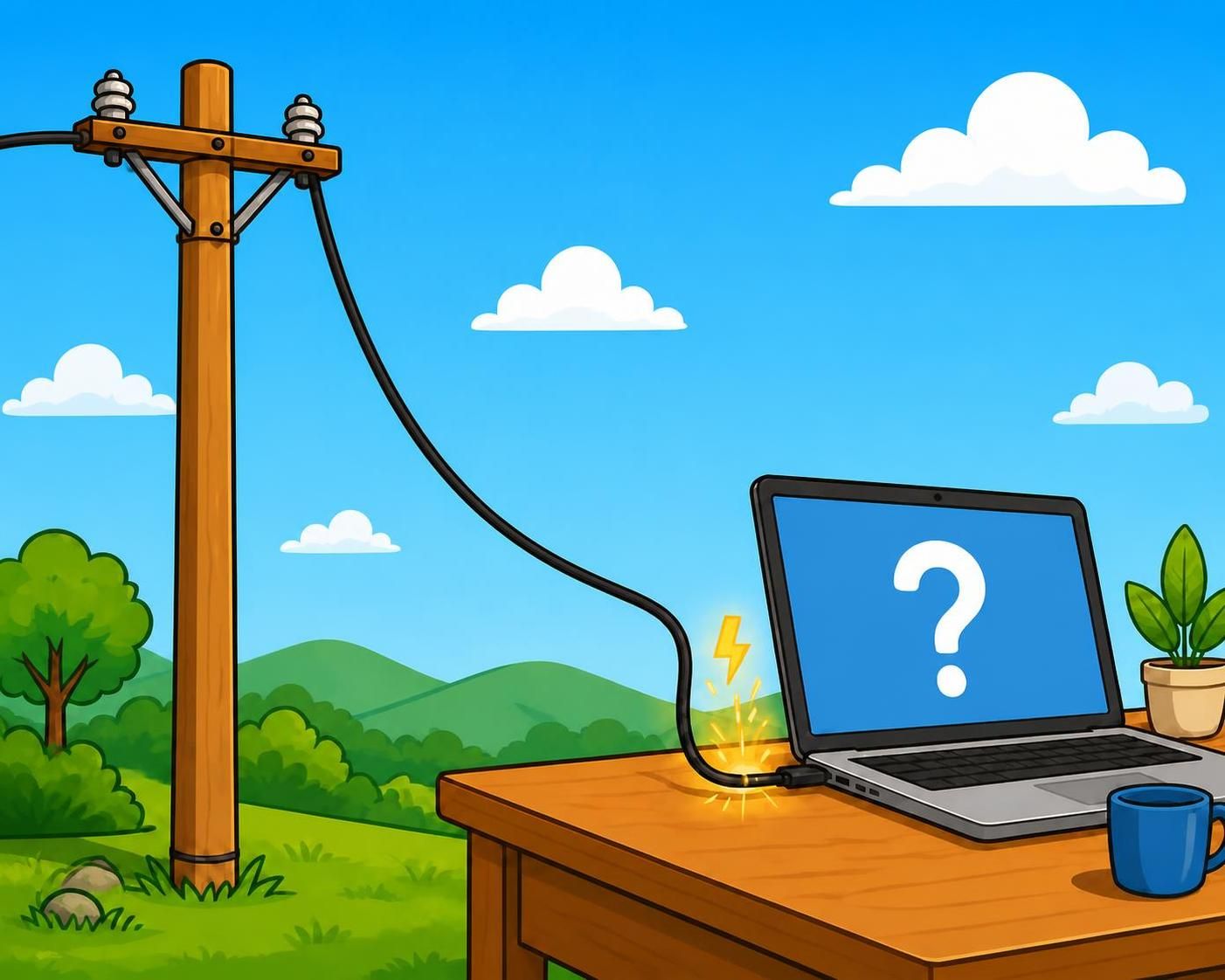
About 70% of us Canadians are using AI tools—about 25% daily, 25% weekly, and 20% less than weekly—according to Angus Reid. Of course the mega-corporations that provide AI services have the primary responsibility to make their businesses environmentally sustainable. But there are ways that AI users can reduce the environmental impact, too.
Here are four simple ways to make your personal AI use less resource-intensive:
1. Search First.
Because of the way they are designed, search engines like Google / Bing / DuckDuckGo / Brave use waaaaay less energy and resources than AI chatbots like ChatGPT / Claude / Copilot. So if the task doesn’t obviously need the extra power of an AI chatbot supported search, try your query first as a traditional search.
If you want to try this out, do a search to ask how to turn off the automatic AI response on your favourite search engine so you don’t automatically get an AI chatbot response for every search, and take back your power to decide when you want to use AI at all.
2. Find a Smaller AI Model
Because Large Language Model (LLM) AI tools are designed as “generalists” to do many things, they are a lot less efficient than Small Language Model (SLM) AI tools that are designed to do specific tasks. A 2025 study published by UNESCO found that SLMs can use 15 to 50 times less energy than an LLM AI model. And the results were often higher quality!
If you want to try this out, Hugging Face lists many SLMs that are also free of charge.
3. Be Brief
Again, the way LLMs are designed, longer wordier queries are a bit more energy-intensive to respond to. Even saying “please” and “thank you” adds to the energy bill. So, taking the time to write queries that are as clear and succinct helps – and it exercises your grey cells.
Much more important: every extra word in a chatbot’s response uses more energy. A 400 word response uses 4 times more energy than 100 word response. So it helps a lot to put limits, in your query, on the length of the response. For example, add instruction to “be brief” or “max 2 pages” or “max 10 bullet points”. And avoid using “problem solving” or “reasoning” AI modes that generate much longer responses, unless that is what you actually need.
4. Start Lo-Res
Of course using AI to deal with images and video is a vastly heavier load than dealing with text, but there is a way to lighten that load. Every pixel the AI model generates costs energy, so reducing the number of pixels costs less.
So, it helps to start in a low-resolution and only move up to higher resolution once you can see that the result will be what you are looking for. And if you are only wanting to generate a thumbnail or an Instagram video, use a resolution that makes sense for that format.
No doubt there are more tips and tricks than these, but these are a start towards getting the benefits of AI tools with less environmental impact. Let’s keep searching (not with AI) to find out about them, and take advantage of them as much as we can!